01
WALK
Do your normal safety walk.
The hazard. The detail. The thing everyone else walked past. Turn what you see into a report that gets attention.

Do your normal safety walk.
Use voice or type your findings.
Take photos while you inspect.
Generate a professional report.
Same field. Same hazards. A better way to capture what you see.
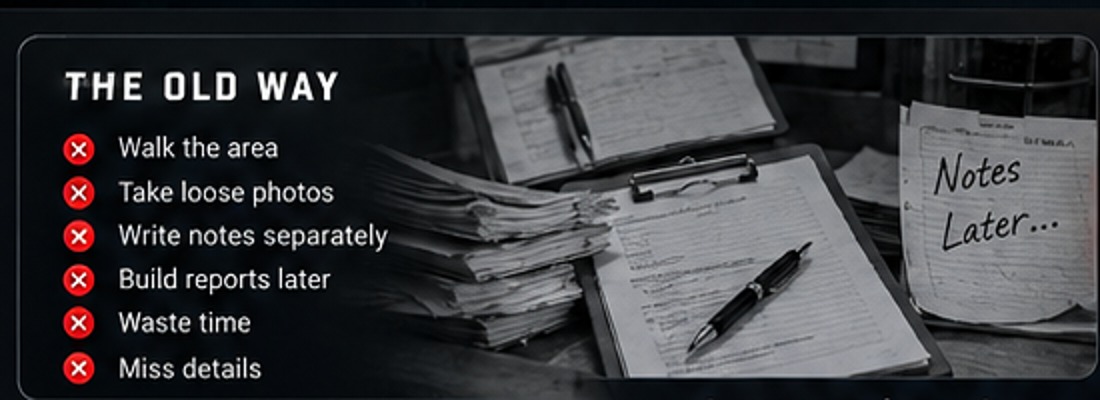
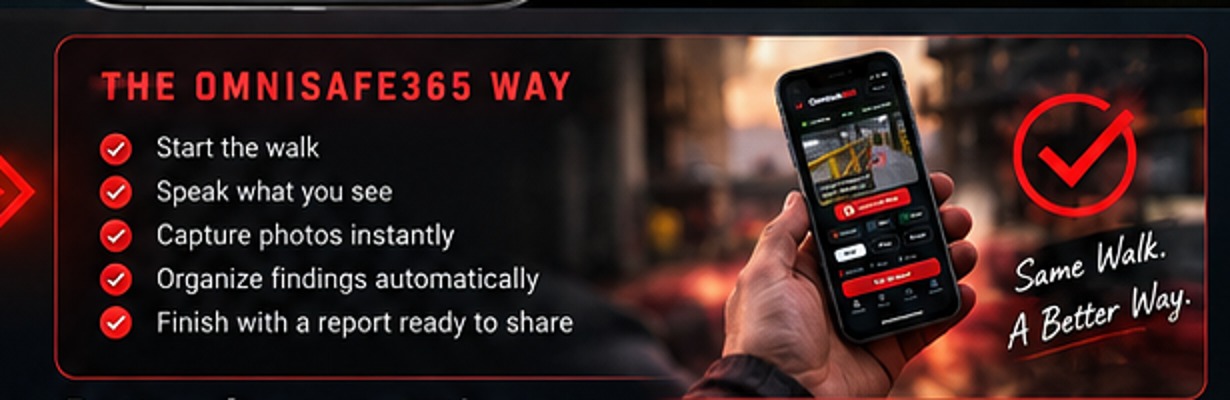
You're already walking the floor. You're already spotting hazards. OmniSafe365 simply gives you a faster way to capture what you see and turn it into a professional report.
One walk. One workflow. Start, speak, capture and report without rebuilding the inspection later.
Open OmniSafe365 and begin the walk.
Call out Hazard, Note, or Good — or type when needed.
Take the photo while the finding is active.
Review once and generate a professional report.
Walk, speak, capture and generate the report.
Launch AppDashboards, trends, location intelligence and weekly leadership reporting.
Explore Pro →No. It is designed to make the actual field walk, evidence capture and reporting faster.
Pro rolls multiple inspections together into dashboards, location views, trends and leadership-ready weekly updates.
Yes. Use voice when it works and tap to type in loud areas.